nmcli is a part of the NetworkManager package that was released in 2010. It can be used like other modes of configuring network interfaces and connections, such as the ip command.
1. The nmcli syntax:
nmcli [OPTIONS...] { help | general | networking | radio | connection | device | agent | moni...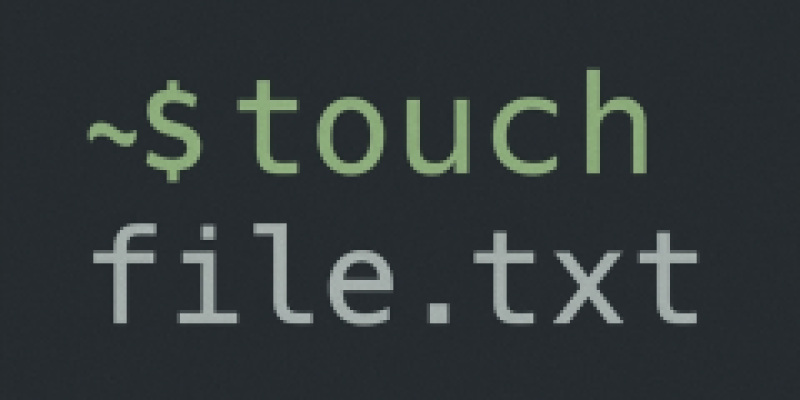
The primarily use of the Linux touch command is to update or modify the timestamp of files or directories.if the file does not exist the touch command will create it as an empty file.Touch is commonly used for file creation while it's not its original goal.
1. Create one or more empty files
to...The CAT command in Linux is helpful in creating text files, displaying their contents, concatenating text from two or more text files into a new file. We can also append text from terminal to a file or append text to an existing file.
Create a new file
cat > newfile.txtConcatenating multiple
...The xargs command transforms standard input into a sequence of arguments for another command xargs reads items from the standard input, delimited by blanks (which can be protected with double or single quotes or a backslash) or newlines, and executes the command (default is echo) one or more times w...
At certain times, it is necessary to duplicate a single file across various locations on our system. There is no need to use the cp command repeatedly.
echo [destination1] [destination2] [destination3]..... | xargs -n 1 cp [/location/samplefile]
The echo command is used to feed the xargs comman...
About Me

aedes: The sanctuary in Latin language. This website is related to my fields of interrest...
Gallery




social




Translate








